


Appointment scheduling looks simple until the admin work starts piling up. Missed confirmations, double bookings, manual follow-ups, and constant calendar updates quietly eat into your day.
If you run a salon, clinic, consulting business or service-based business, having a WordPress booking plugin can remove most of that friction automatically.
The challenge is only finding one that matches the way your business actually works, not just the one with the longest feature list.
The good news is WordPress has a vast ecosystem of appointment booking plugins that handles everything from simple appointment scheduling to automating reminders, managing multiple staff members and locations.
Let's find your best-fit among the top 6 WordPress appointment booking plugins we handpicked for you which are worth considering. Quick Comparison: Best WordPress Appointment Booking Plugins
What to Look for in WordPress Appointment Booking Plugins
Before picking any WordPress plugin, it’s important to understand which features actually matter for your business.
Not every appointment booking plugin is the same, and going the wrong one can create unnecessary limitations later.
Thus, here are the most important things to consider before you randomly buy one.
1. Ease of Use
A good appointment booking plugin should be easy for both admins and customers.
Your clients should be able to:
- Choose a service.
- Select a date and time.
- Complete payment.
- Receive confirmation.
- all within a few clicks.
Complicated booking flows often lead to abandoned appointments.
2. Mobile-Friendly Booking Experience
Most users now book appointments from mobile devices. A responsive booking interface is essential.
Look for plugins that provide:
- Mobile optimization.
- Fast loading calendars.
- Touch friendly booking forms.
- Responsive layouts.
3. Payment Gateway Integration
Online payments lowers your no-show rates drastically.
The best booking plugins support gateways like:
- Stripe.
- PayPal.
- Razorpay.
- WooCommerce Payments.
Some modern booking plugins also support deposits or partial payments.
4. Calendar Sync
Google Calendar synchronization is one of the most valuable features in modern booking software.
Two-way sync stops double bookings and keeps your schedule updated automatically If you work with teams, Outlook Calendar integration is also useful, so make sure the plugin you choose comes with all these calendar integrations.
5. Customization Options
Your booking system should match your brand and workflow.
Look for plugins that allow you to customize:
- Booking forms.
- Email notifications.
- Time slots.
- Service durations.
- Staff availability.
6. Automation Features
Automation saves time and improves customer experience.
Useful automation features include:
- SMS reminders.
- Email notifications.
- Automatic confirmations.
- Follow-up emails.
- Cancellation handling.
7. WooCommerce Integration
If you already use WooCommerce, choosing a plugin with WooCommerce support gives you additional flexibility.
Benefits include:
- Multiple payment gateways.
- Coupon systems.
- Tax handling.
- Cart functionality.
- Better reporting.
This is especially useful for businesses selling both products and services.
Top 6 WordPress Appointment Booking Plugins in 2026
1. BookingPress - Best Overall WordPress Appointment Booking Plugin
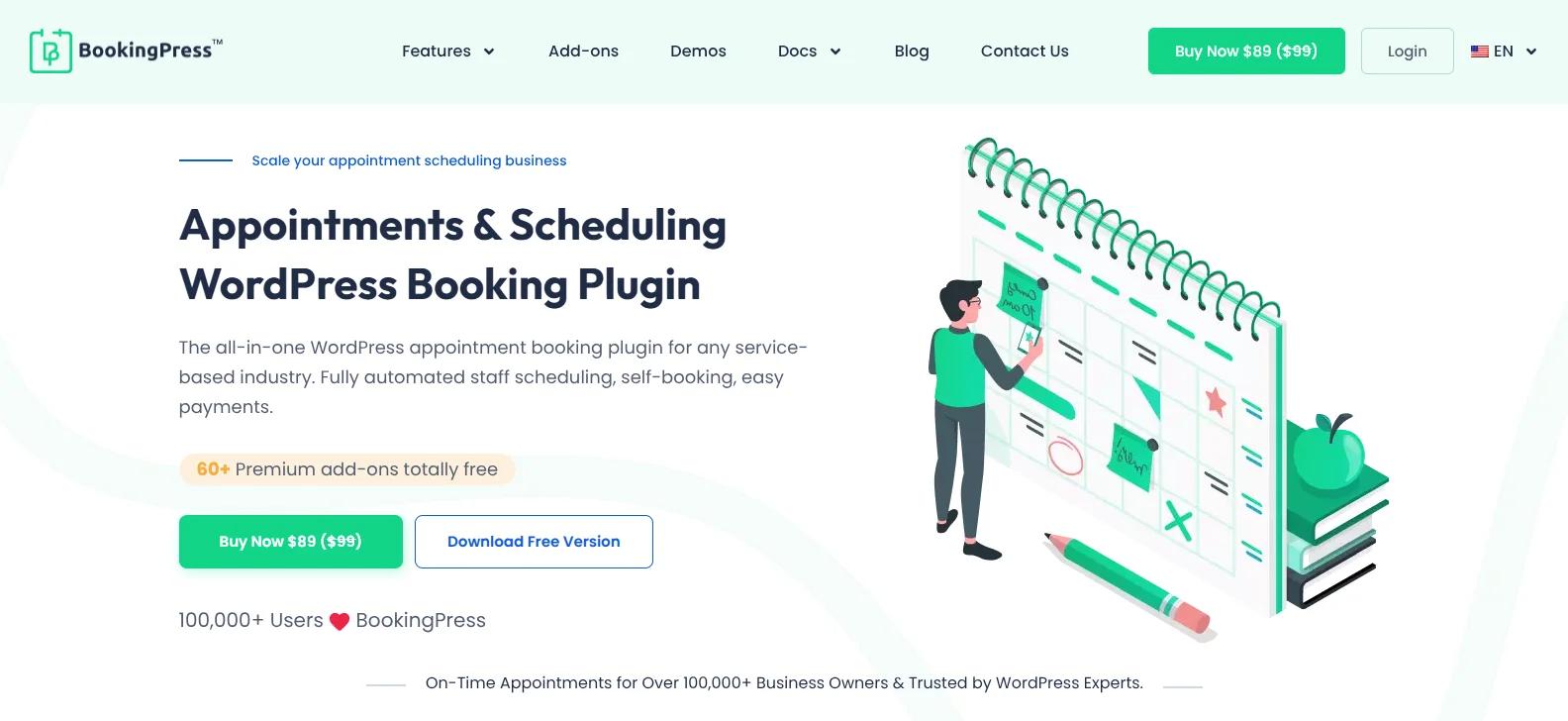
BookingPress raised as one of the most powerful appointment booking solutions for WordPress-based service businesses.
BookingPress is the easiest to start with. Multiple staff, recurring appointments, online payments, Google Calendar sync, automated notifications, a drag-and-drop form builder, and WooCommerce compatibility. Non-technical users can configure all of it without help. That's not true of every plugin on this list.
The free version is generous enough to run a real booking operation before upgrading.
Whether you're a freelancer or a large service business, BookingPress can handle almost any scheduling workflow.
Key Features
- Fully customizable booking form.
- Two-way syncs with Google, Outlook and Apple Calendar.
- On-site and Online payment, full or deposit, via 20+payment gateways.
- Multiple staff members and location management.
- Group and recurring appointments.
- Automatic notifications via Email, SMS, WhatsApp, and Telegram.
- Create packages of multiple services
Pros
- User friendly interface
- Over 60+ premium addons
- Flexible customization
- Generous free version
- Multiple payment gateways for secure transactions
Cons
- Some advanced integrations needs premium addons
Pricing:
- Free version available
- The premium plan starts from $89/Year.
2. MotoPress Appointment Booking
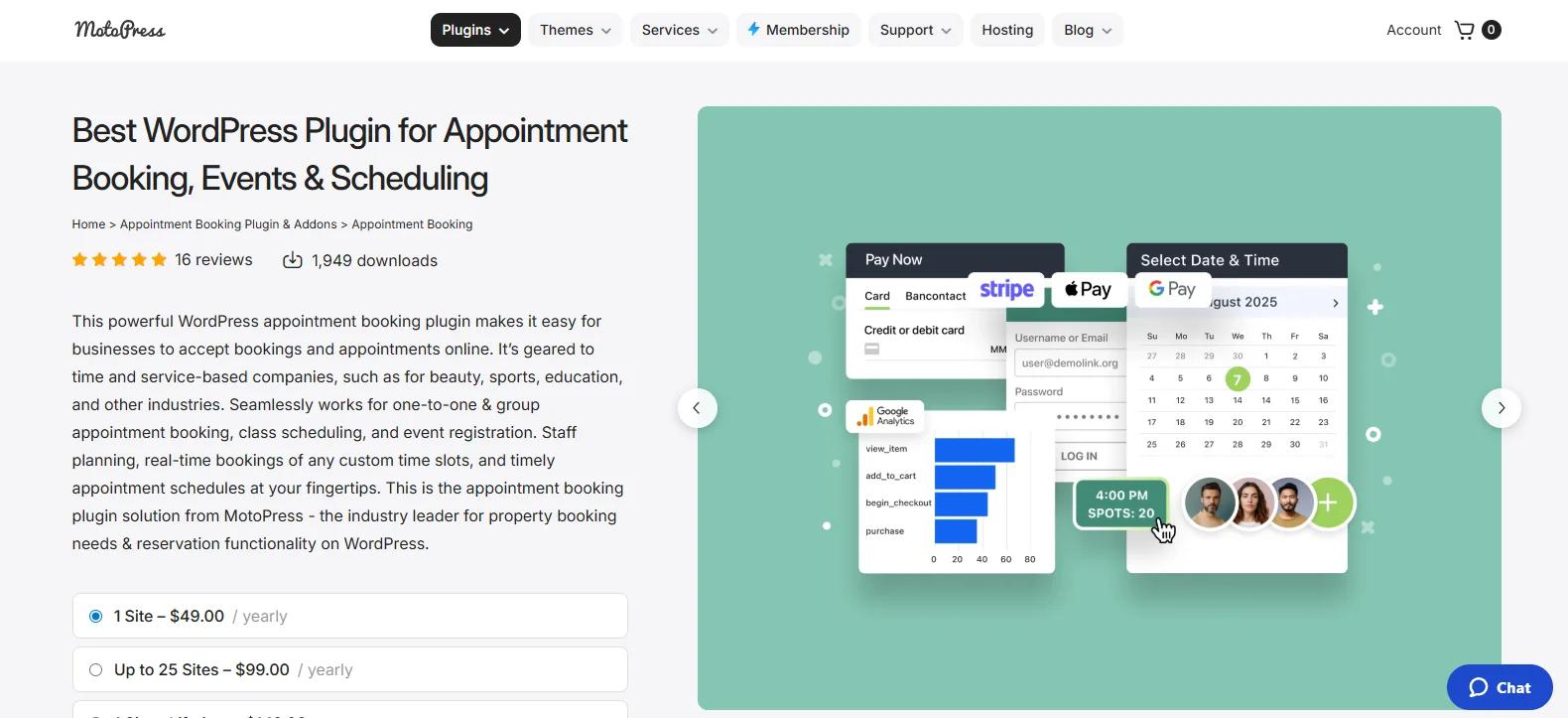
MotoPress Appointment Booking is a powerful WordPress booking solution designed specifically for service based businesses that need flexible scheduling and employee management.
The plugin offers an intuitive interface while still providing advanced booking functionality for businesses with multiple services, staff members, and locations.
One of the biggest standout features of MotoPress is its scheduling flexibility. You can create custom appointment durations, buffer times, employee schedules, and booking rules without needing technical expertise.
Key Features
- Employee and staff scheduling.
- Flexible appointment durations.
- Buffer time management.
- Payment gateways like PayPal, Stripe, and more.
- Custom working hours.
- Automated Email and SMS notifications.
Pros
- Excellent employee scheduling tools.
- Flexible booking configurations.
- Good mobile responsiveness.
Cons
- Some advanced features need premium plans.
- Interface design feels slightly traditional compared to newer plugins.
Pricing
- Free version available
- The paid plan starts from $49/Year.
3. Easy Appointments
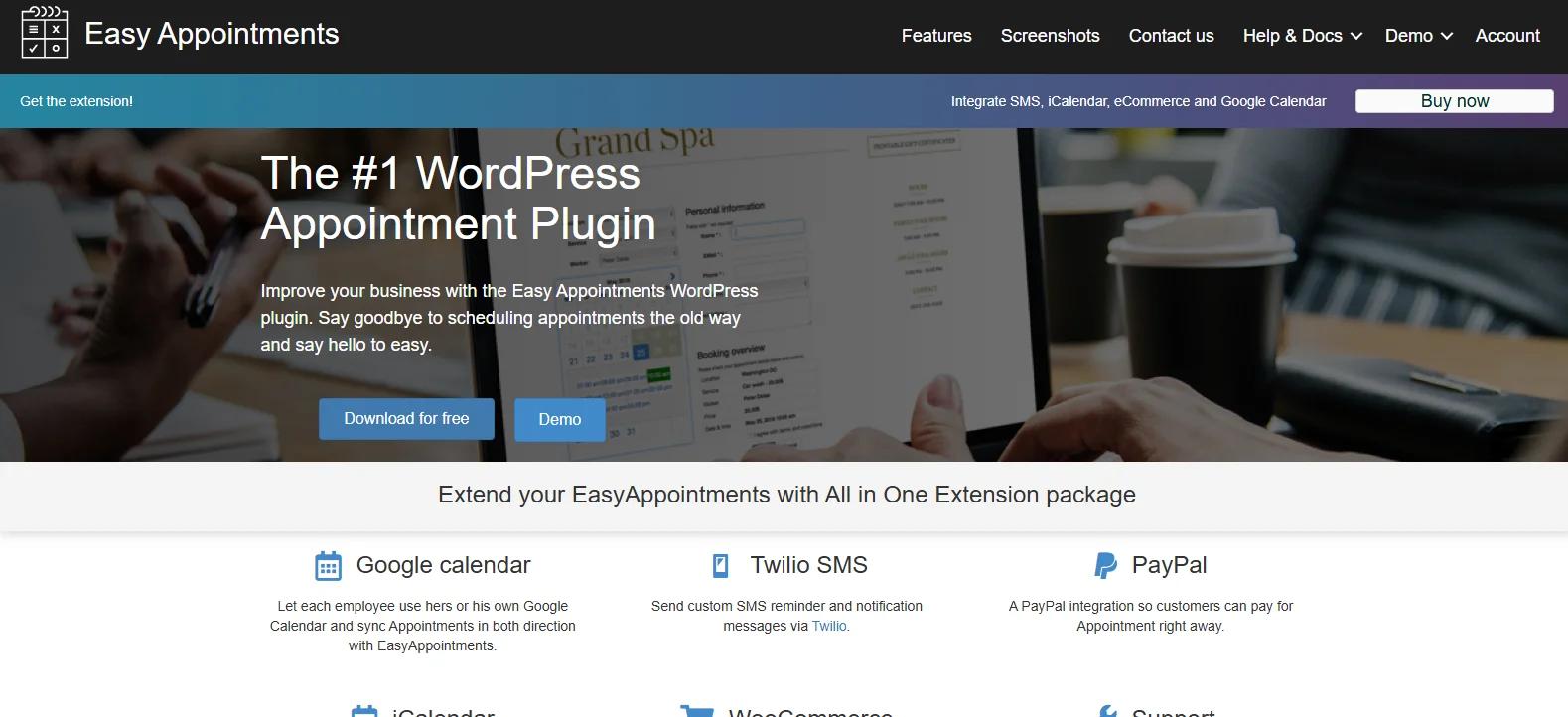
Easy Appointments does less than the others, deliberately. The core plugin is free. It doesn't have SMS reminders, advanced automation, complex payment flows, or drag-and-drop anything.
Still, for a freelancer, tutor, consultant or small local business that needs appointments to work without a configuration project, it's a reasonable pick. But for anyone who needs more than the basics, it's not.
Key Features
- Multiple locations.
- Multiple services and workers.
- Custom email notifications.
- Flexible scheduling rules.
- Booking restrictions.
- Simple appointment management dashboard.
- Responsive booking forms.
Pros
- Simple and beginner friendly.
- Lightweight and fast.
- Easy to use.
Cons
- Limited advanced automation feature.
- Fewer customization options.
- Basic design flexibility.
Pricing
- Free version available.
- The premium plan starts from $39/Year.
4. BA Book Everything
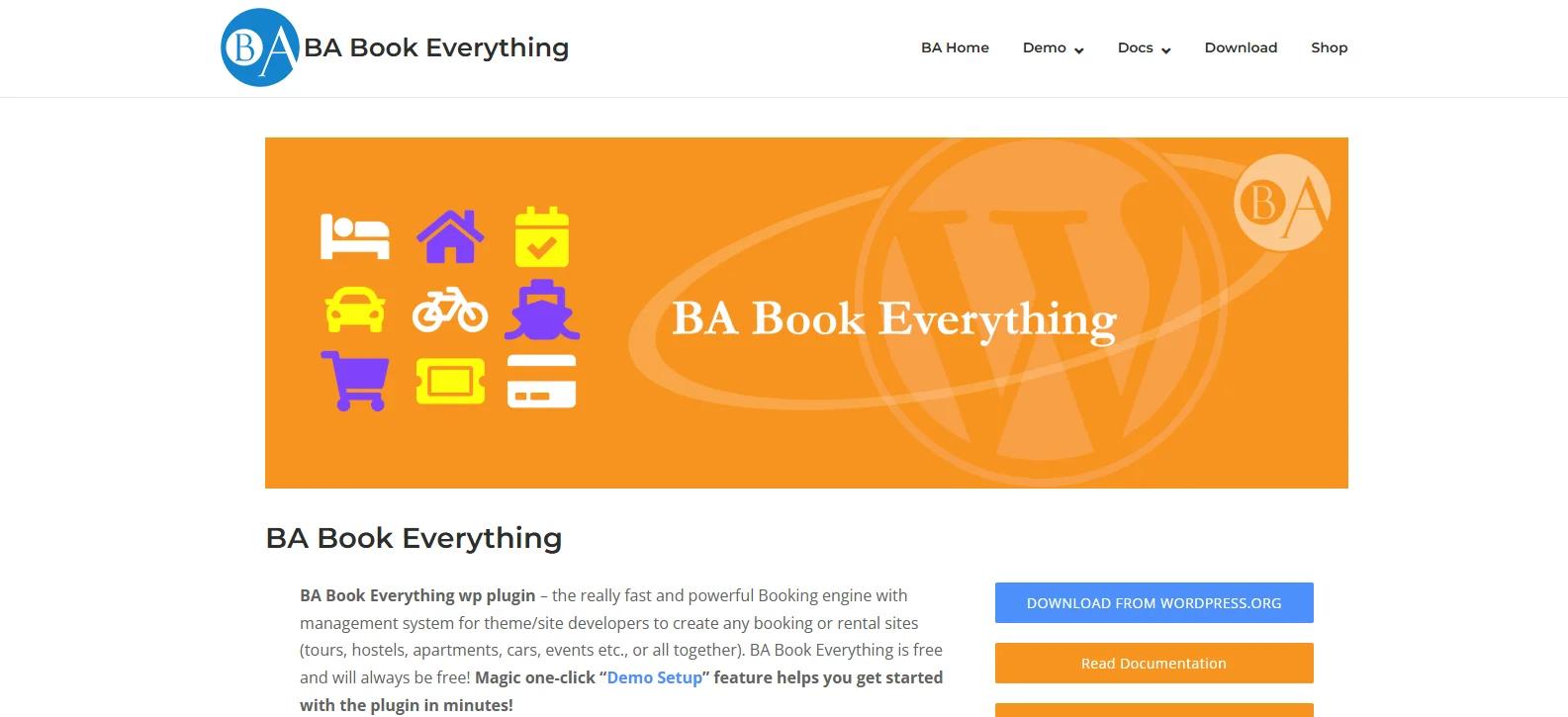
Most booking plugins are built around the assumption that you're scheduling a service at a time slot. BA Book Everything isn't. It handles rentals, tours, events, accommodations, and reservations from the same system, with pricing that can vary by date, season, guest count, or how long the booking runs.
If your business doesn't fit the standard appointment model, this is worth looking at seriously. The demo setup option helps get something running without building everything from scratch.
That said, it's not the plugin to hand to someone who's never configured a booking system. Advanced customization requires technical comfort. The core plugin is free; premium extensions add capabilities.
Key Features
- Appointment and reservation booking
- Rental and event booking support
- Flexible pricing and rate management
- Seasonal and weekday pricing adjustments
- WooCommerce compatibility
- WPML multilingual support
- Calendar and availability management
- One-click demo setup
- Customizable booking engine
Pros
- Highly flexible.
- multiple booking types.
- Advanced pricing configuration.
- WPML compatibility for multilingual sites.
Cons
- Slight learning curve for beginners.
- Advanced customization needs coding and tech skills.
Pricing
- Core plugin is free
- Premium paid addons are available
5. JetAppointment
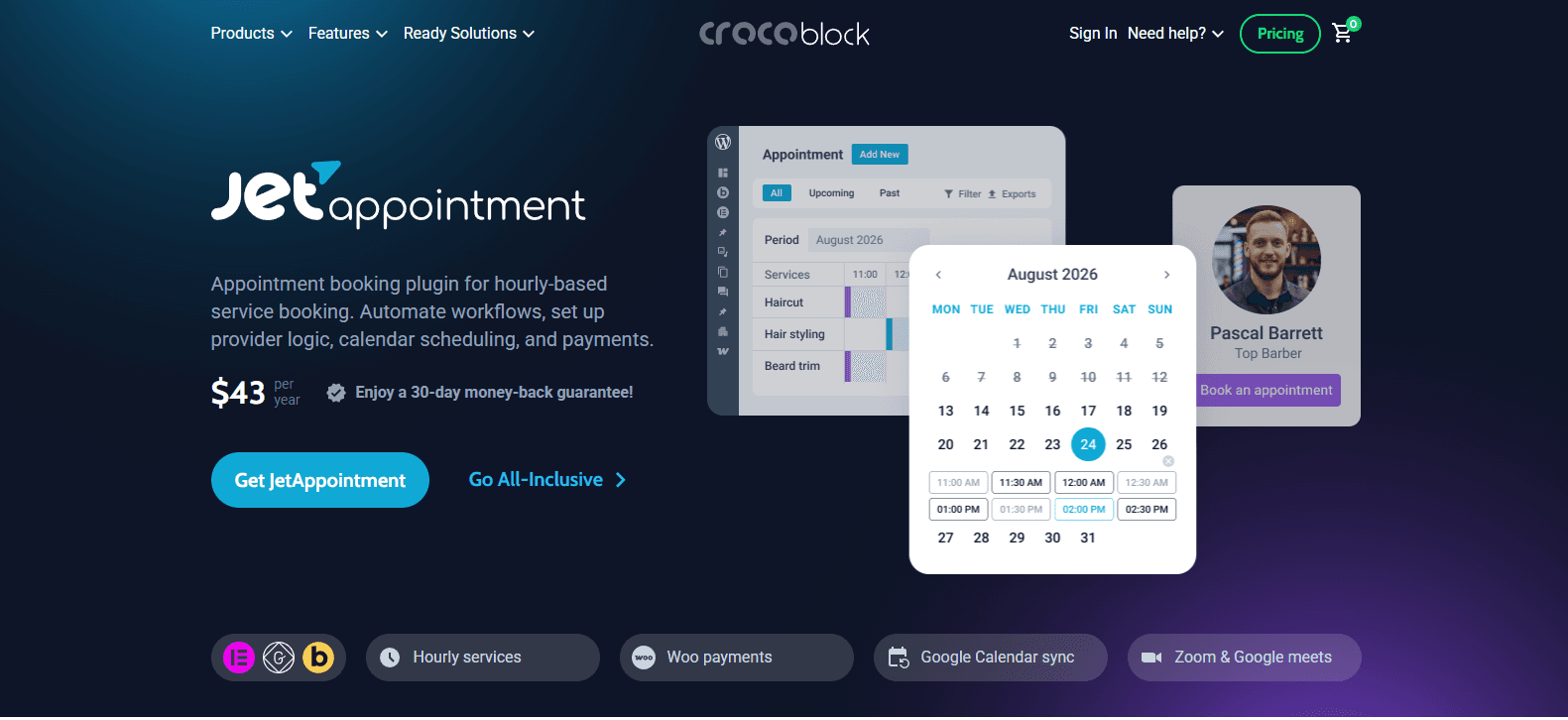
JetAppointment is Crocoblock's booking plugin, which means deep integration with Elementor, Gutenberg, and Bricks. For designers and agencies building booking sites where the form needs to match a specific visual design without writing custom code, nothing else on this list comes close.
However, the honest limitation is getting the most out of it means being comfortable with Crocoblock. If you're not already in that ecosystem, there's a real learning investment.
Key Features
- Elementor, Gutenberg, and Bricks integration
- Hourly service booking
- WooCommerce payment integration
- Google Calendar synchronization
- Zoom and Google Meet integration
- Recurring appointments
- Buffer times and break scheduling
- Automated reminders and workflows
- Multi-provider scheduling
Pros
- Excellent design customization.
- Deep Elementor integration.
- Advanced scheduling workflows.
Cons
- Best experience needs familiarity with Crocoblock tools.
- Premium-only plugin.
Pricing
- No free version available
- The premium plan starts from $43/year.
6. Hydra Bookings
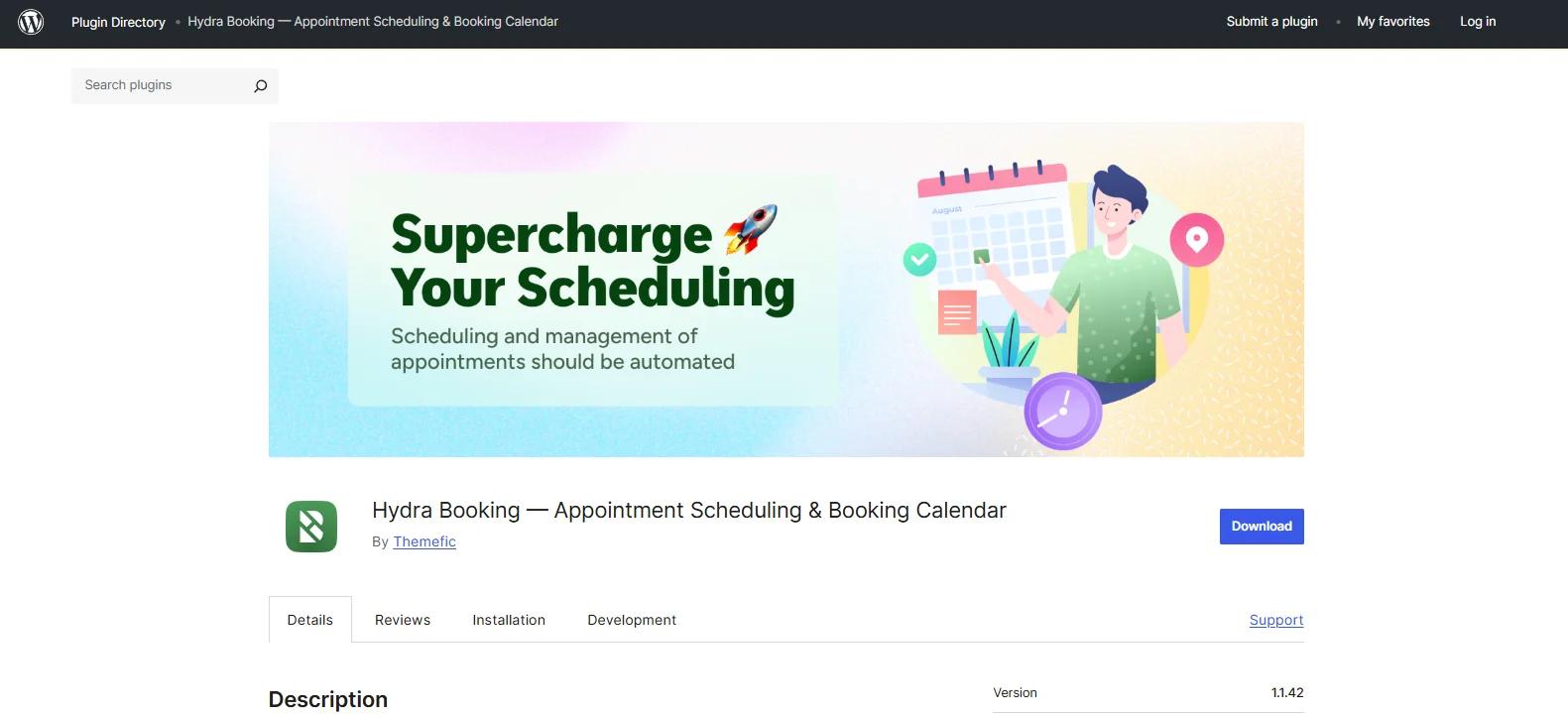
Hydra Bookings is the newest plugin here and it shows, in a good way. The admin interface is cleaner and more modern than most of the alternatives, which matters for business owners who open the dashboard every day.
It covers the expected set including one click scheduling, Google Calendar, WooCommerce payments, multi-staff management, automated notifications, buffer times, custom booking fields, Zoom integration.
However, the gap is ecosystem depth. Older plugins have years of integrations, community answers and third party add-ons that Hydra Bookings hasn't had time to build yet. Some advanced integrations are still being developed.
Key Features
- One-click appointment scheduling
- Google Calendar integration
- WooCommerce payment support
- Multi-staff appointment management
- Automated email notifications and reminders
- Time slot and availability controls
- Buffer time management
Pros
- Modern and user-friendly interface.
- Fast and lightweight performance.
- Easy appointment setup.
- Responsive booking experience.
Cons
- Smaller ecosystem compared to older booking plugins.
- Some advanced integrations may still be developing.
Pricing
- Free version available
- The premium plan starts from $69/Year.
Final Verdict
None of these WordPress appointment booking plugins are universally “best.” So, the right choice always will be based on what usually creates less friction in your appointment management, for everyone, including you, customers and staff members.
If you manage multiple staff calendars, locations and want to give your customers a smooth booking experience, BookingPress is an all-in-one WordPress appointment booking plugin.
Not only does it come with a set of 60+ premium addons to give you advanced functionalities, but also has a user-friendly design and modern booking form. Two-way calendars sync, group & recurring bookings, 20+ payment gateways, automated notifications and staff management are all there, but the plugin still feels approachable for non techie service business owners.
That’s where many alternatives struggle. Some are excellent in one area but become restrictive elsewhere. Others offer advanced functionality at the cost of usability.
However, the rest of the plugins on this list still make sense in the right situations:
- MotoPress for more detailed staff scheduling.
- Easy Appointments for lightweight setups.
- BA Book Everything for flexible booking models.
- JetAppointment for Elementor-heavy sites.
- Hydra Bookings for businesses prioritizing modern UI.
For most service business WordPress websites, though, BookingPress offers the most balanced mix of advanced features, user friendliness, and room to grow in 2026.



Your email address will not be published